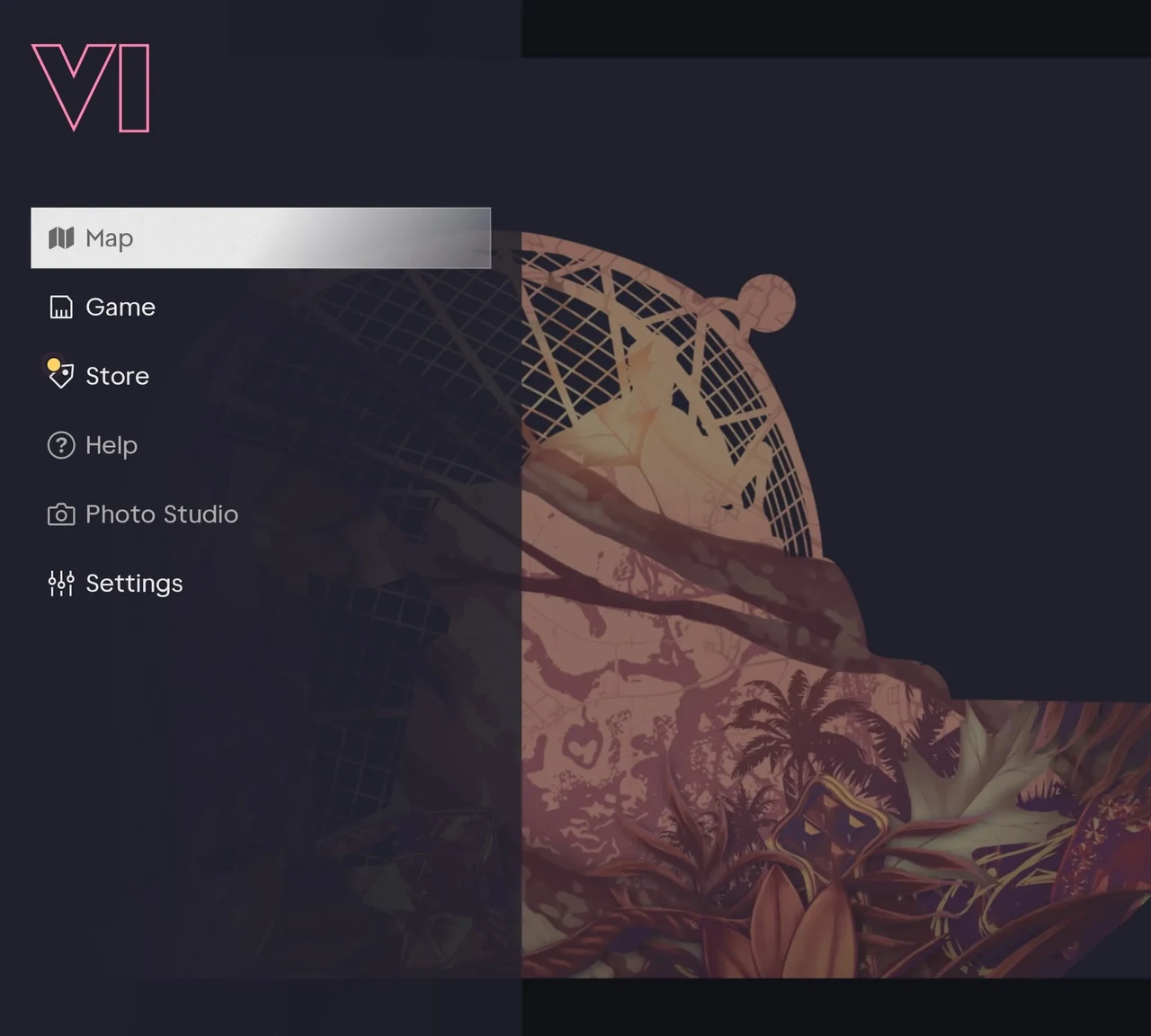
Open the pause menu and choose Settings. Start in UI for subtitles, Controller for aim, and Camera if the view feels uncomfortable.
Set up subtitles and the HUD
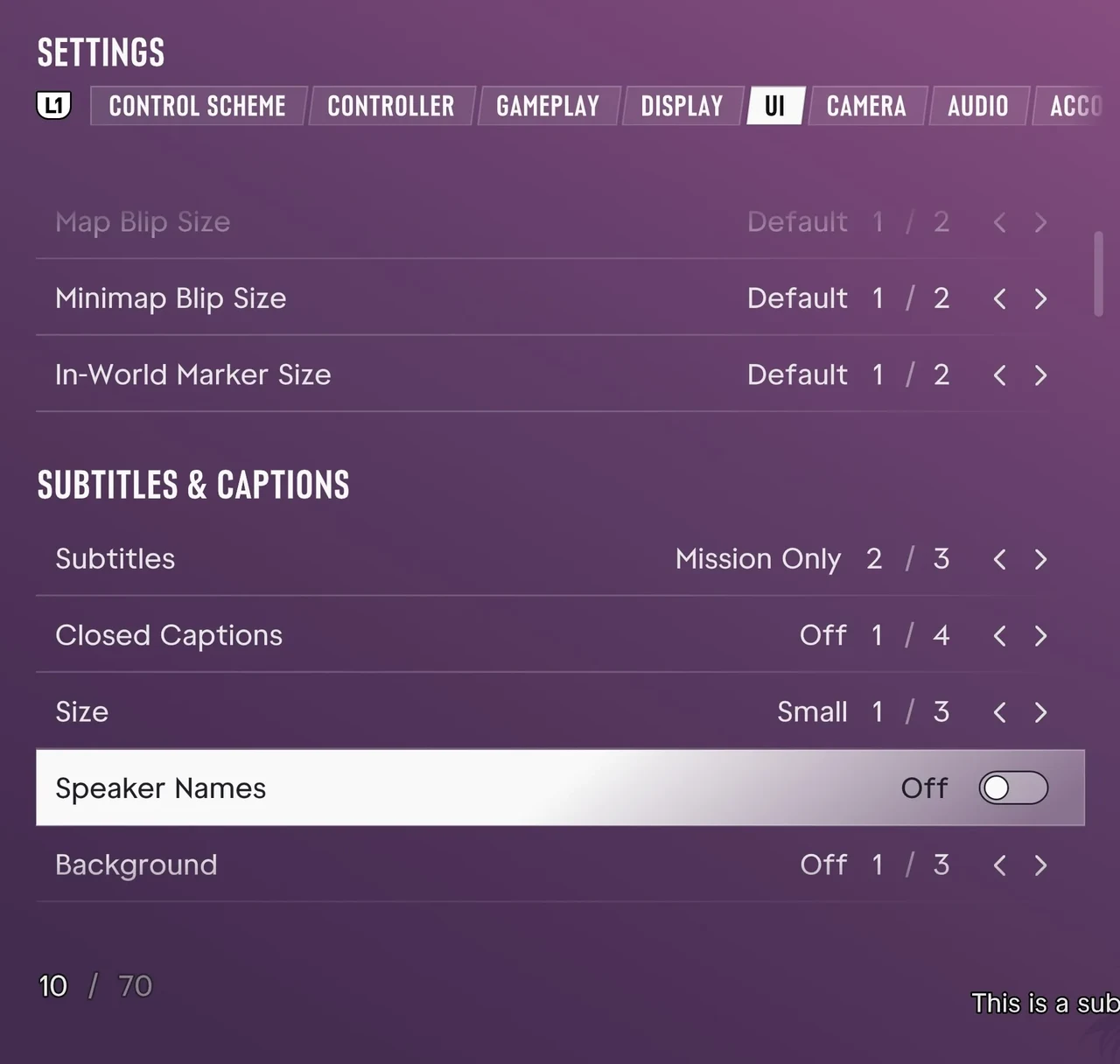
Open UI and look for Subtitles & Captions and Scaling & Readability. Change those first if you play from a couch. Check whether you can read dialogue and navigation cues from your normal seat before changing HUD notifications.
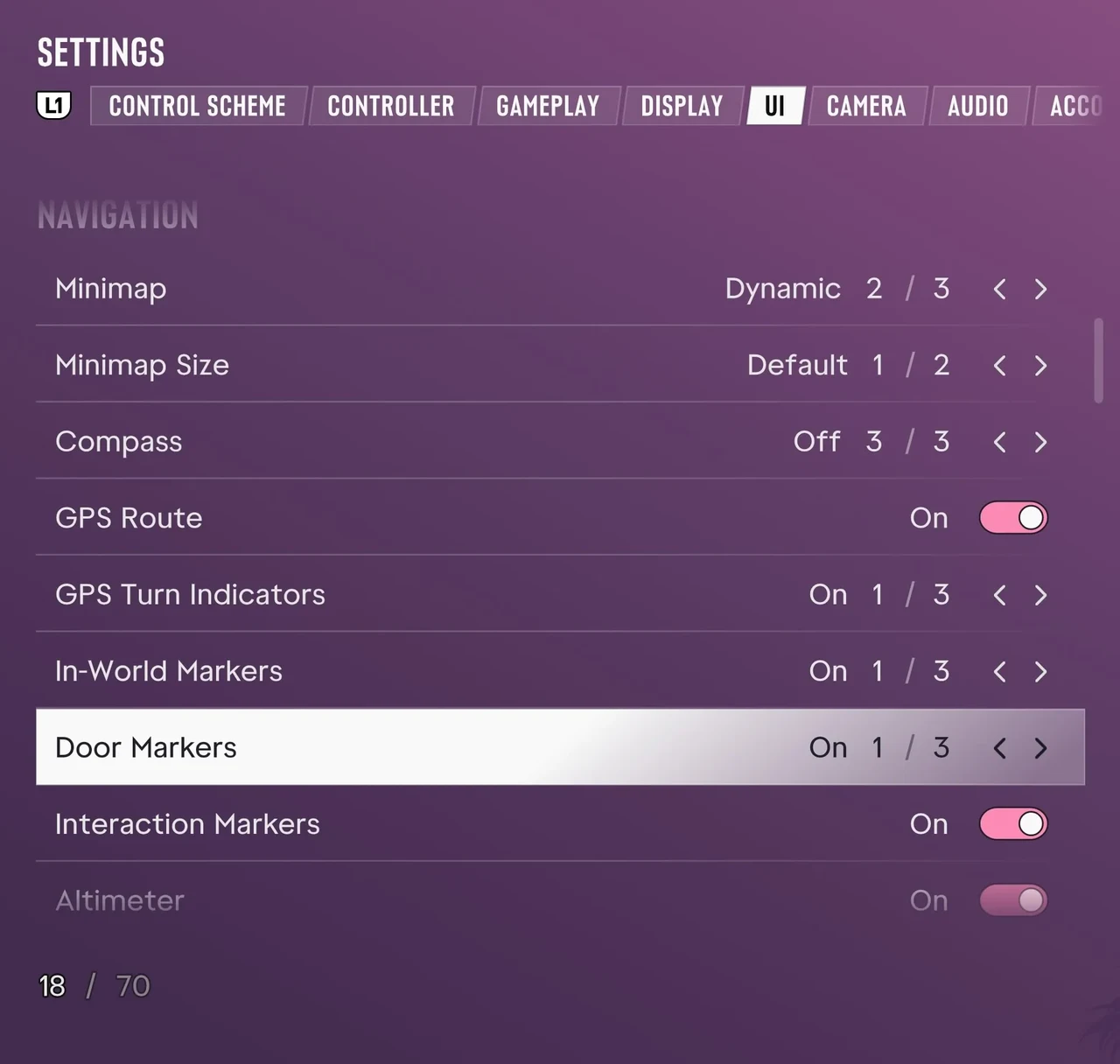
Open UI → Navigation to choose the size of the minimap and toggle the GPS route or door markers.
Dial in aim and movement
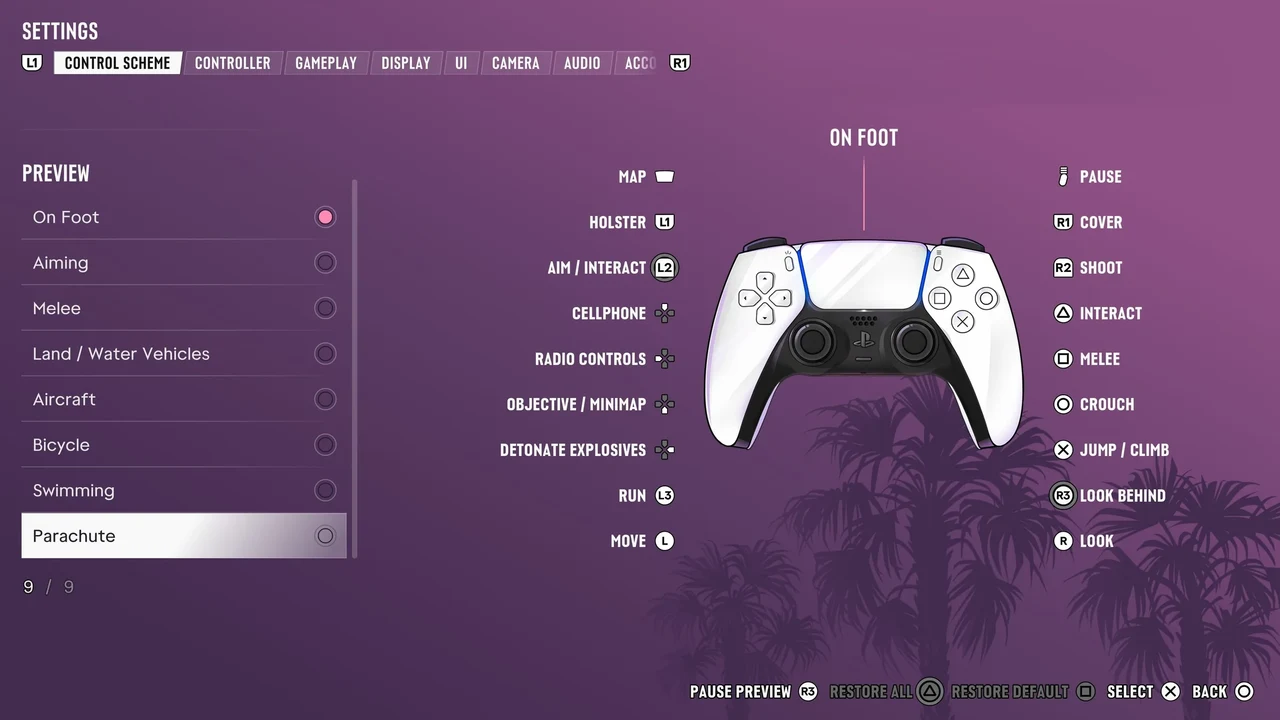
Use Controller for look and aim sensitivity or inverted controls. Use Control Scheme to check bindings for the action you are practising. Walking, driving and flying each have their own layout. Test a single adjustment on foot or on a short drive before changing the next setting.
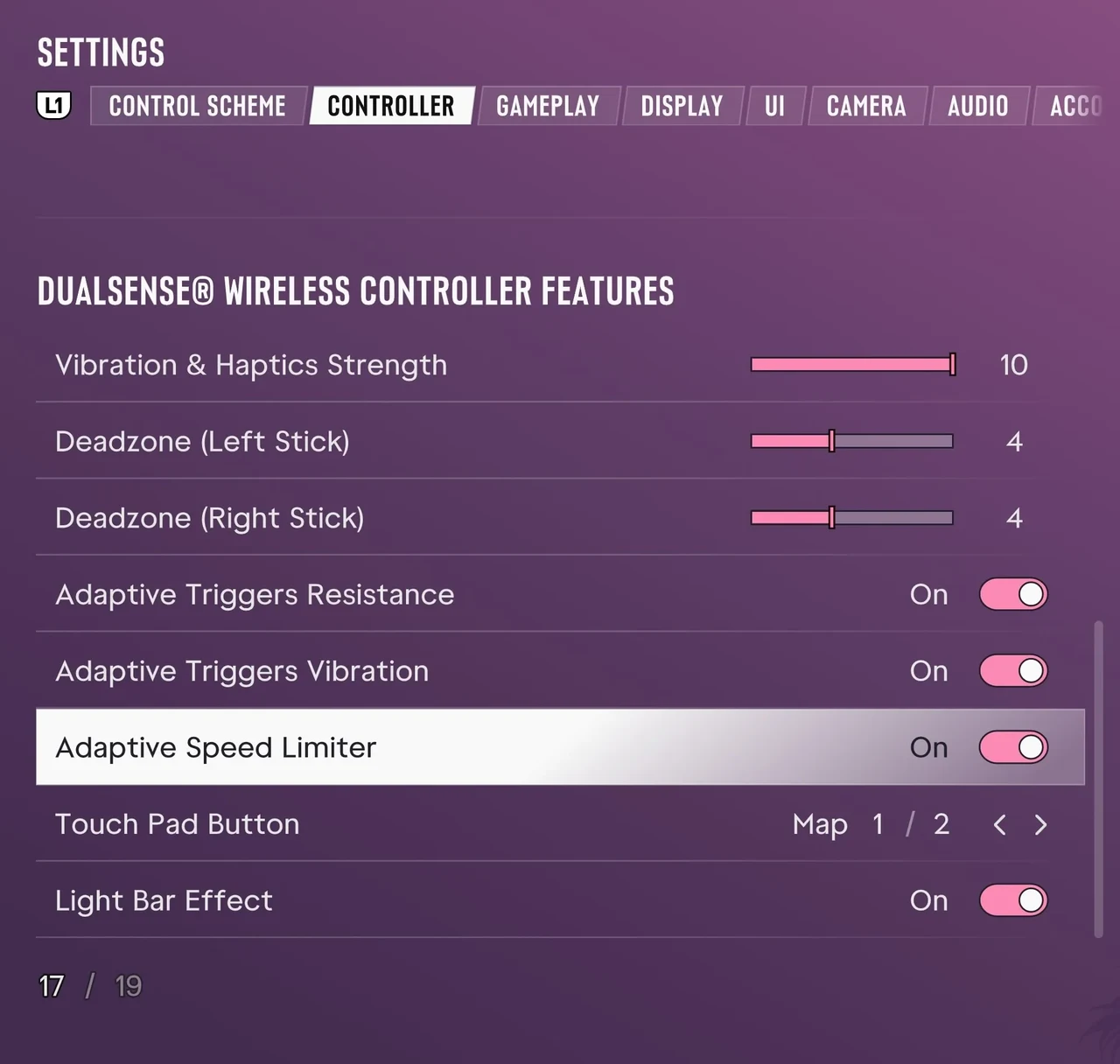
On PS5, scroll down in Controller to adjust the DualSense stick deadzones and adaptive triggers.
Adjust the camera
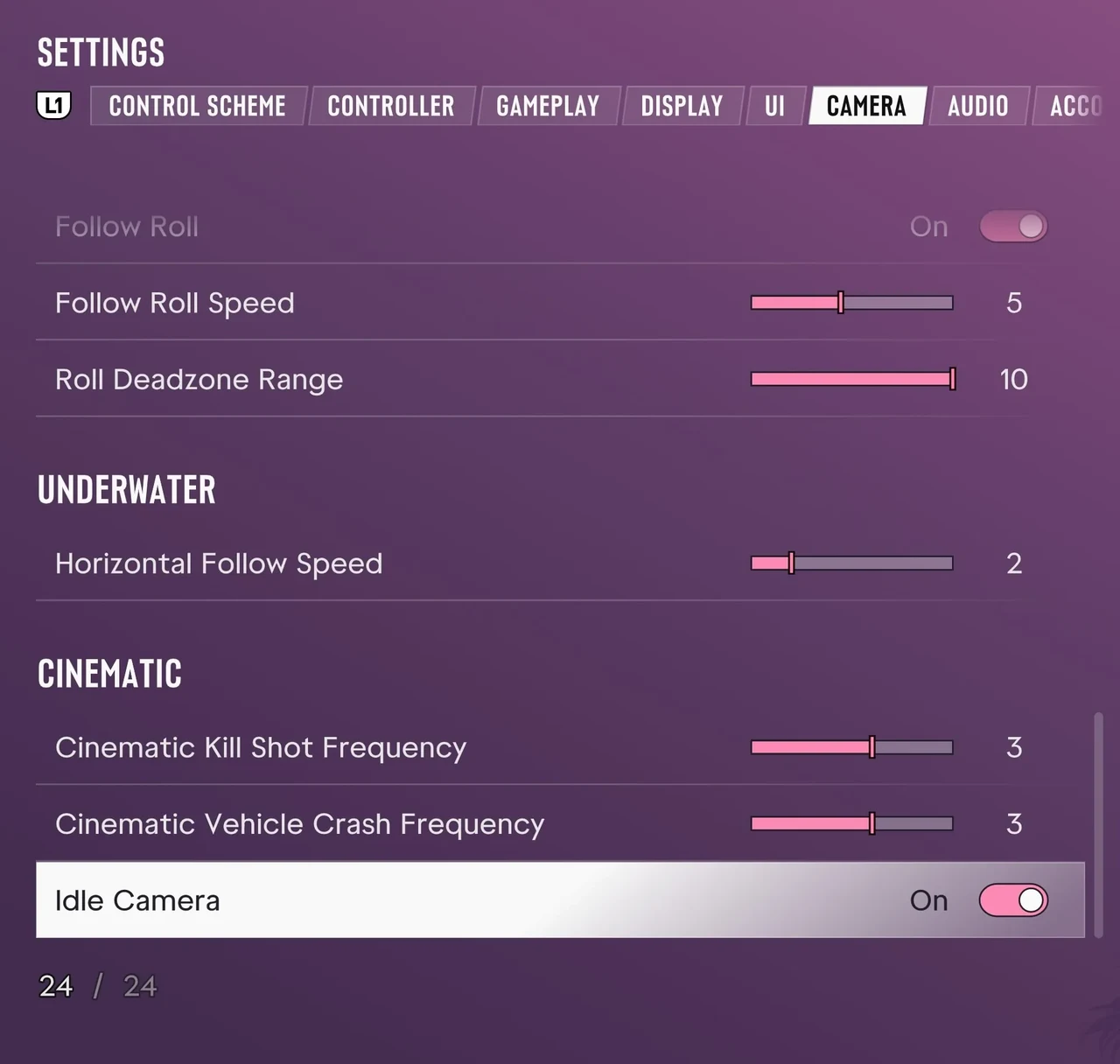
Open Camera and scroll to Cinematic → Idle Camera to turn the automatic camera off while you are idle. Comfort and the separate views for walking and driving are higher in the same tab.
Adjust volume and narration
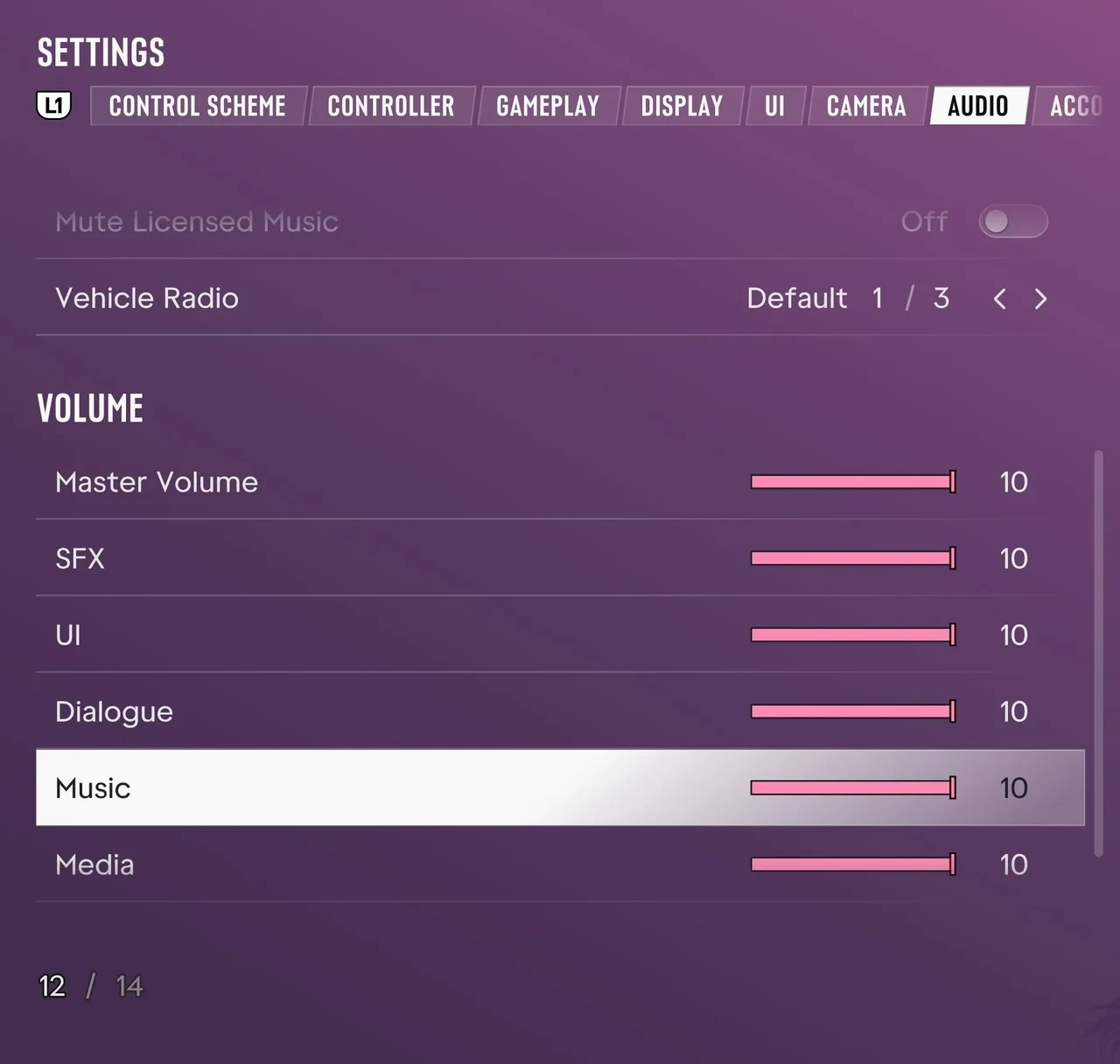
Open Audio → Volume. Lower Music if it is hard to hear the characters, or adjust Dialogue independently. Narration is a separate section in the same tab. Use Restore Default at the bottom of the screen to reset the current settings.