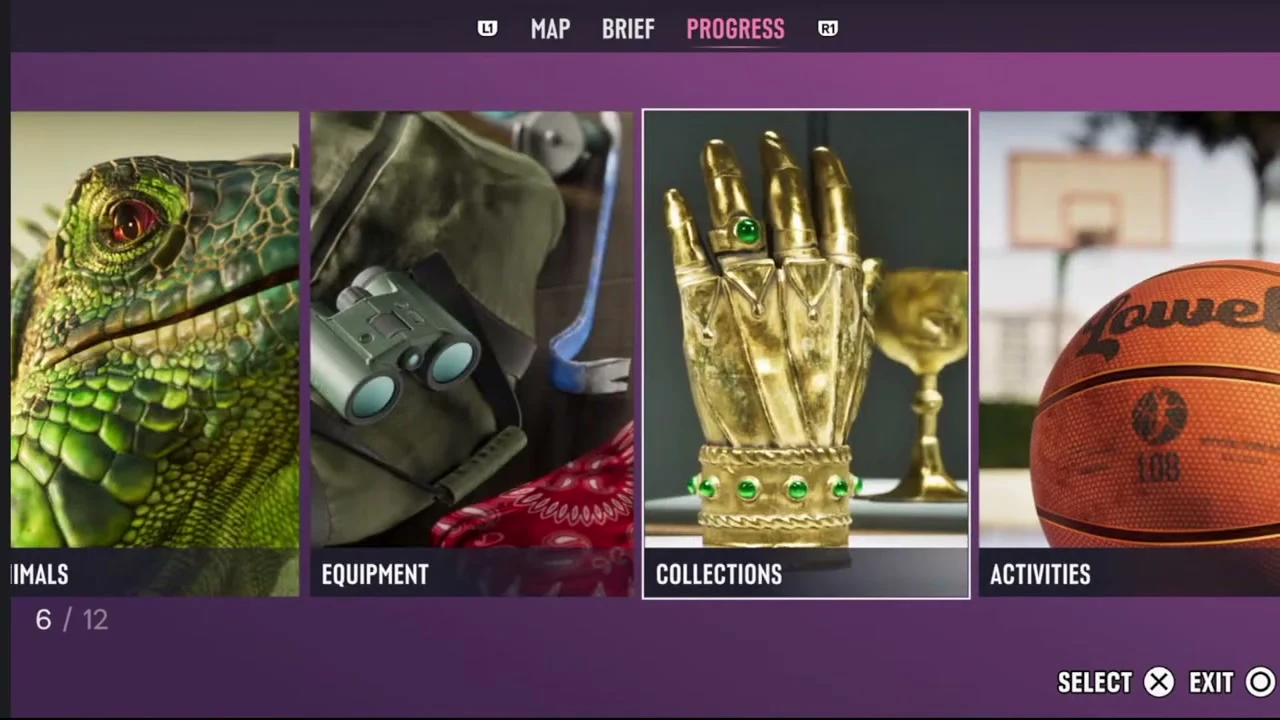

Follow the pink story marker to advance the plot. Save in a separate slot before moving to a new chapter, and open Map → Progress when you want to check what you have found.
Decide which objective to follow
A pink icon with black lettering marks the story path. Black icons with pink lettering identify optional missions. If an optional objective shows an hourglass and you want to see it, do it while it is available. Those time-sensitive missions are outside the 100% checklist requirements.
Keep a separate chapter save
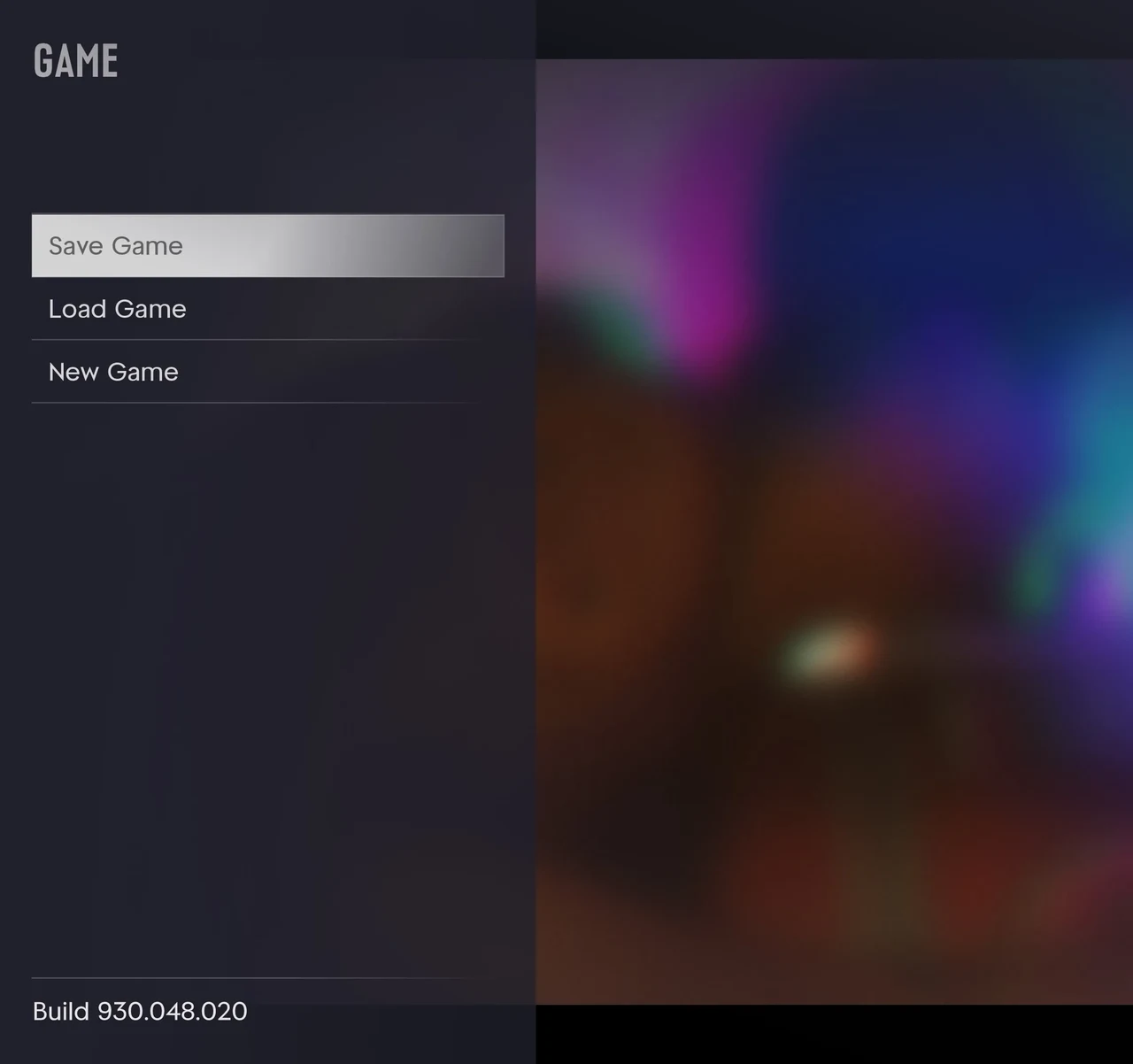
There is no menu for replaying story missions. Set aside a manual save when a chapter begins if you might want to revisit its opening. Save your current progress in another slot before loading the earlier one.
Use the progress menu when exploring
Open the map and go to Progress to see the database. Some subcategories appear after the first discovery in that group. Try exploring one area at a time and use the completion checklist to decide what to pursue next.
Select Collections, the card with the gold gauntlet, to check collectible sets.