
How to start
The task appears in the quest list after Buck Me and has no map marker. Open the map and press the storybook icon to find it, or simply walk up to any ATM.
Before you continueATM deposits go to checking, not to Family Savings. Moving money into Family Savings is a separate step in the app, and that money can never be withdrawn.
Mark the nearest ATM
Open the BuckMe app on Jason's phone and choose ATM Finder → Set Destination. ATMs have no map icon, so this is the quickest way to find one. Rare Thief names the ATM outside Chuck's Tackle & Shot as the closest to Jason's house.
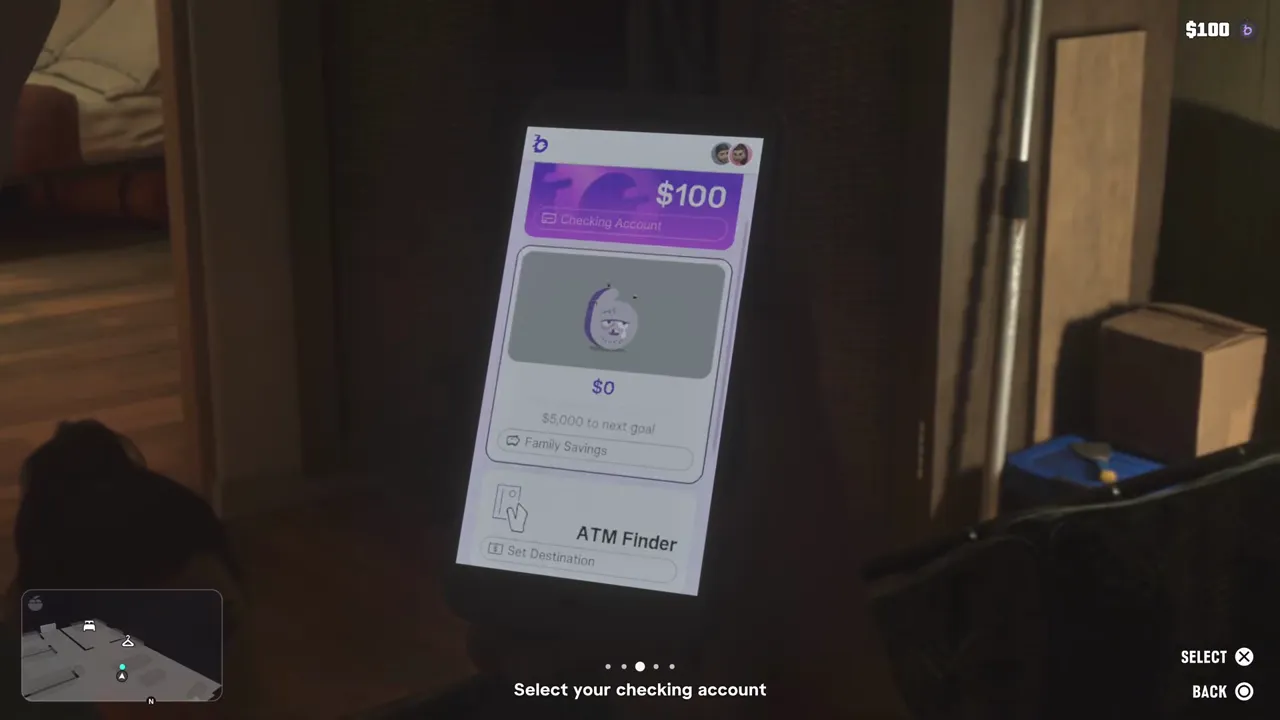
Deposit your pocket cash
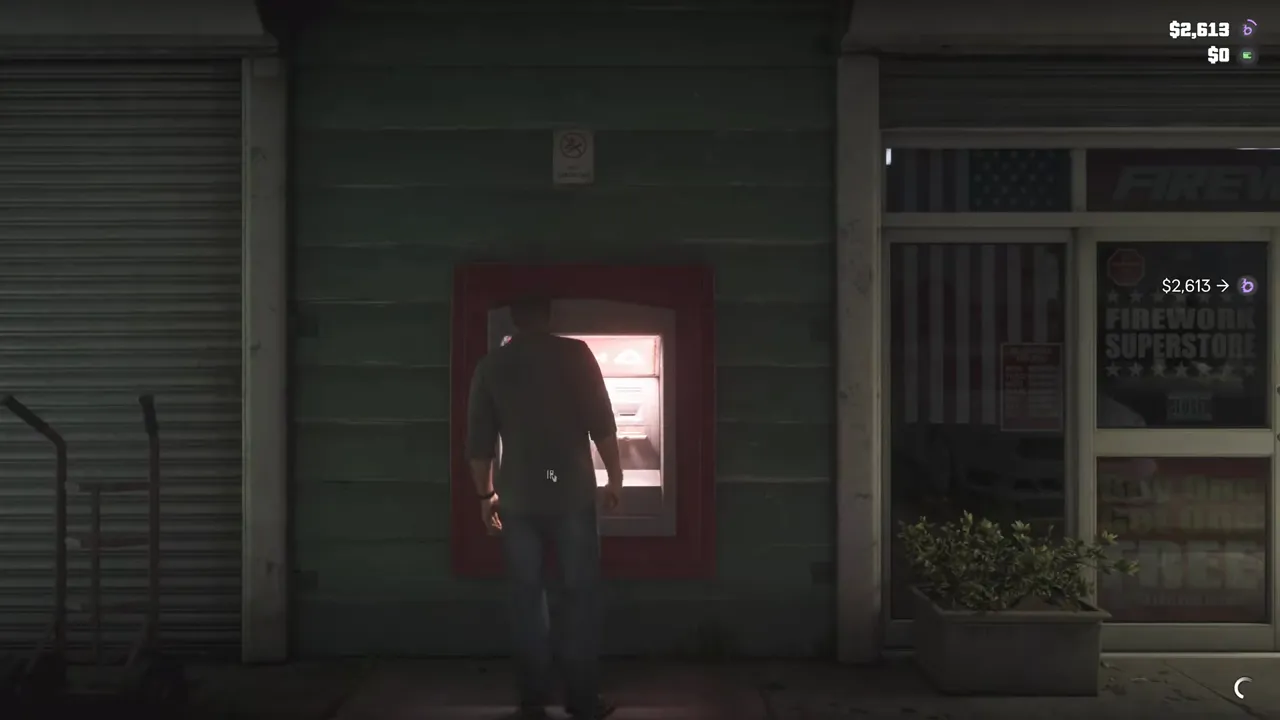
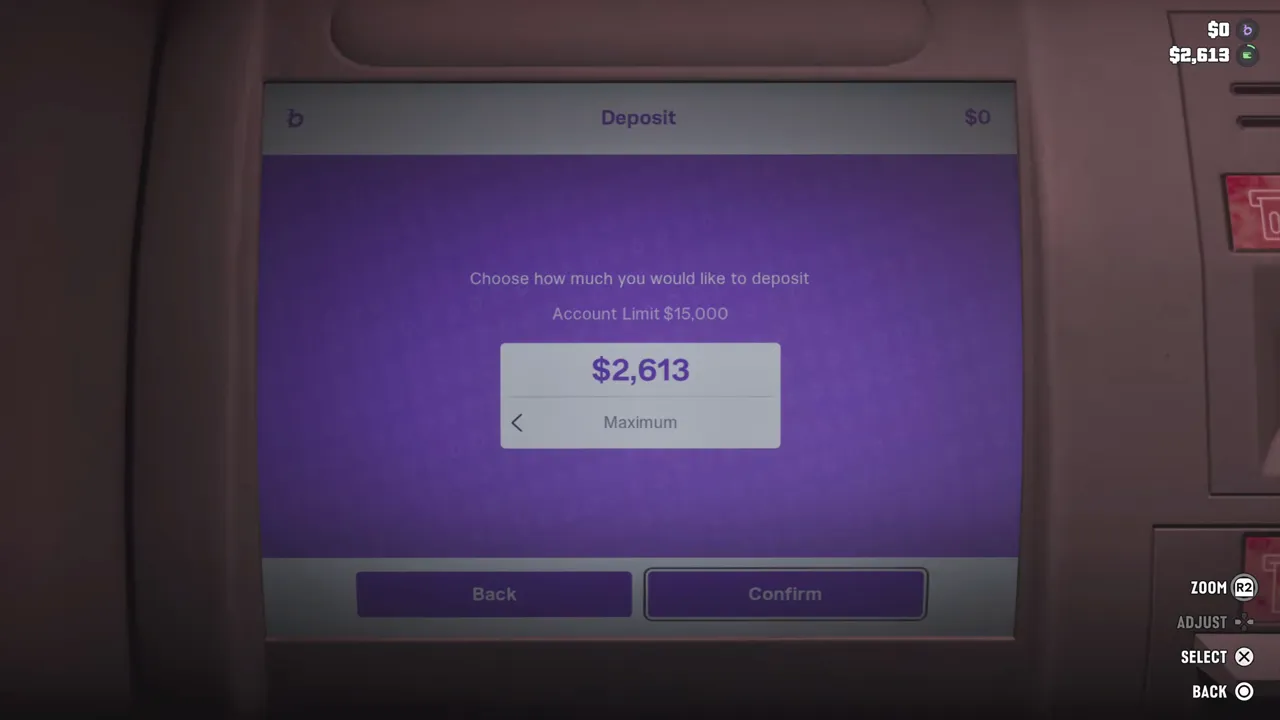
Press Triangle/Y at the ATM and choose Deposit. Set the amount with D-pad Left/Right and confirm with X/A. You can put in some or all of Jason's cash, and the objective then closes.
Keep your money in the bank
Pocket cash is lost if you are wasted or busted; PowerPyx adds that death also costs a smaller share of the checking balance. You can withdraw from checking at any ATM, and purchases over $999 are paid through BuckMe because vendors only take pocket cash up to that amount.