How to start
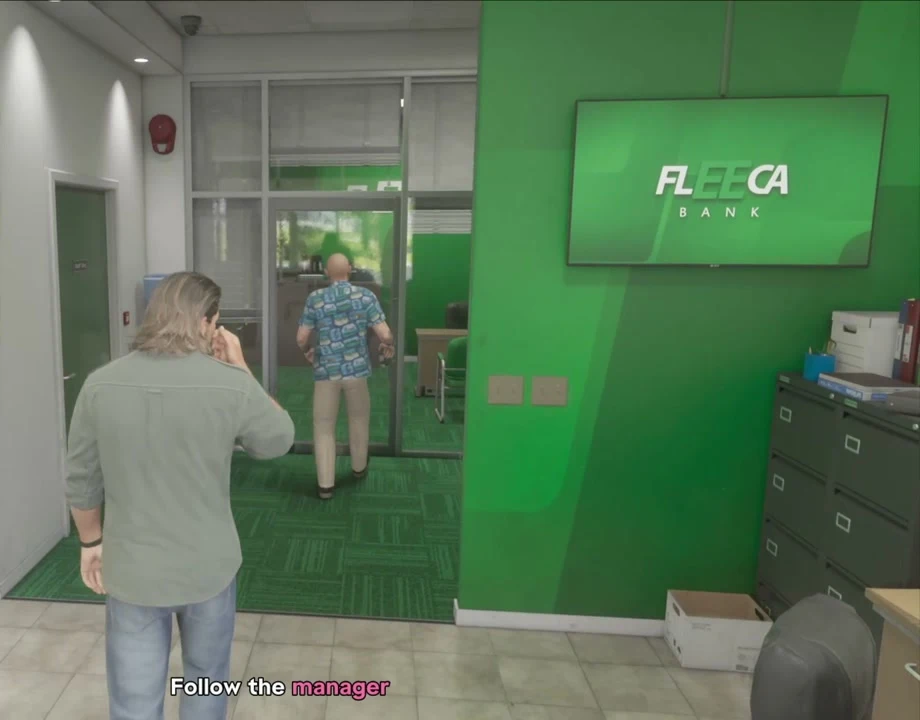
Wait for Lucia’s phone call after Coming Home. Meet her at the marked Fleeca branch in Key Lento.
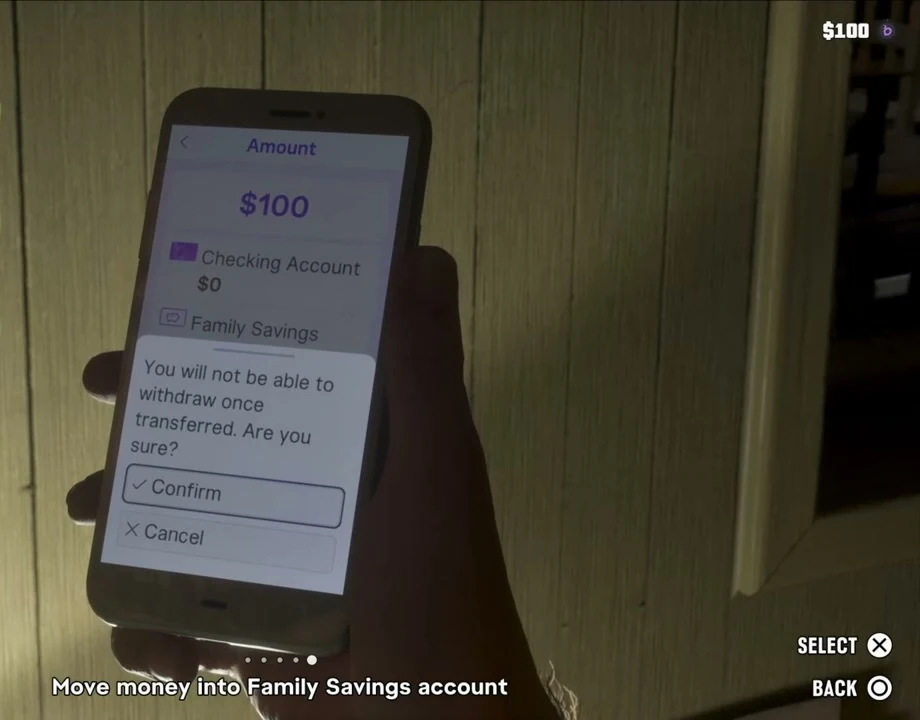
Before you continueFamily Savings deposits are locked. Keep money you expect to spend in the checking account when managing future payments.
Talk to the manager at Fleeca
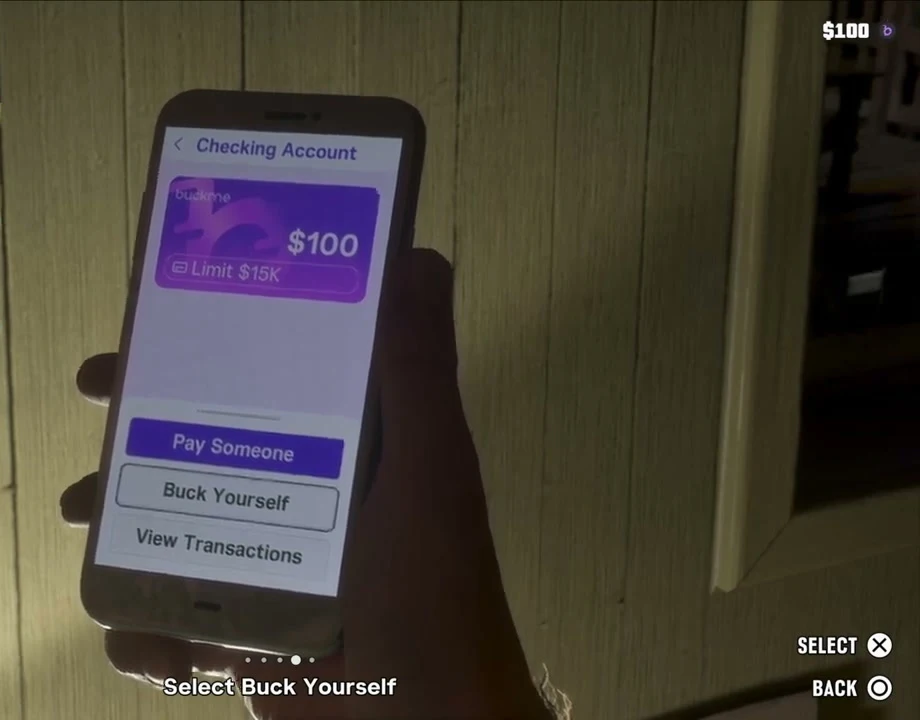
Speak to the teller first, then go to the manager’s table on the right and follow him to his office. The scene ends at home with the BuckMe app on Jason’s phone and $100 in its checking account.
Move the $100 from Checking Account
Open the purple B icon on the in-game phone. In BuckMe, choose Checking Account → Buck Yourself to move the welcome balance to Family Savings. The objective closes after you confirm the transfer.